{{ soonTitle }}
{{ soonBody }}

Move between computerswithout moving files.
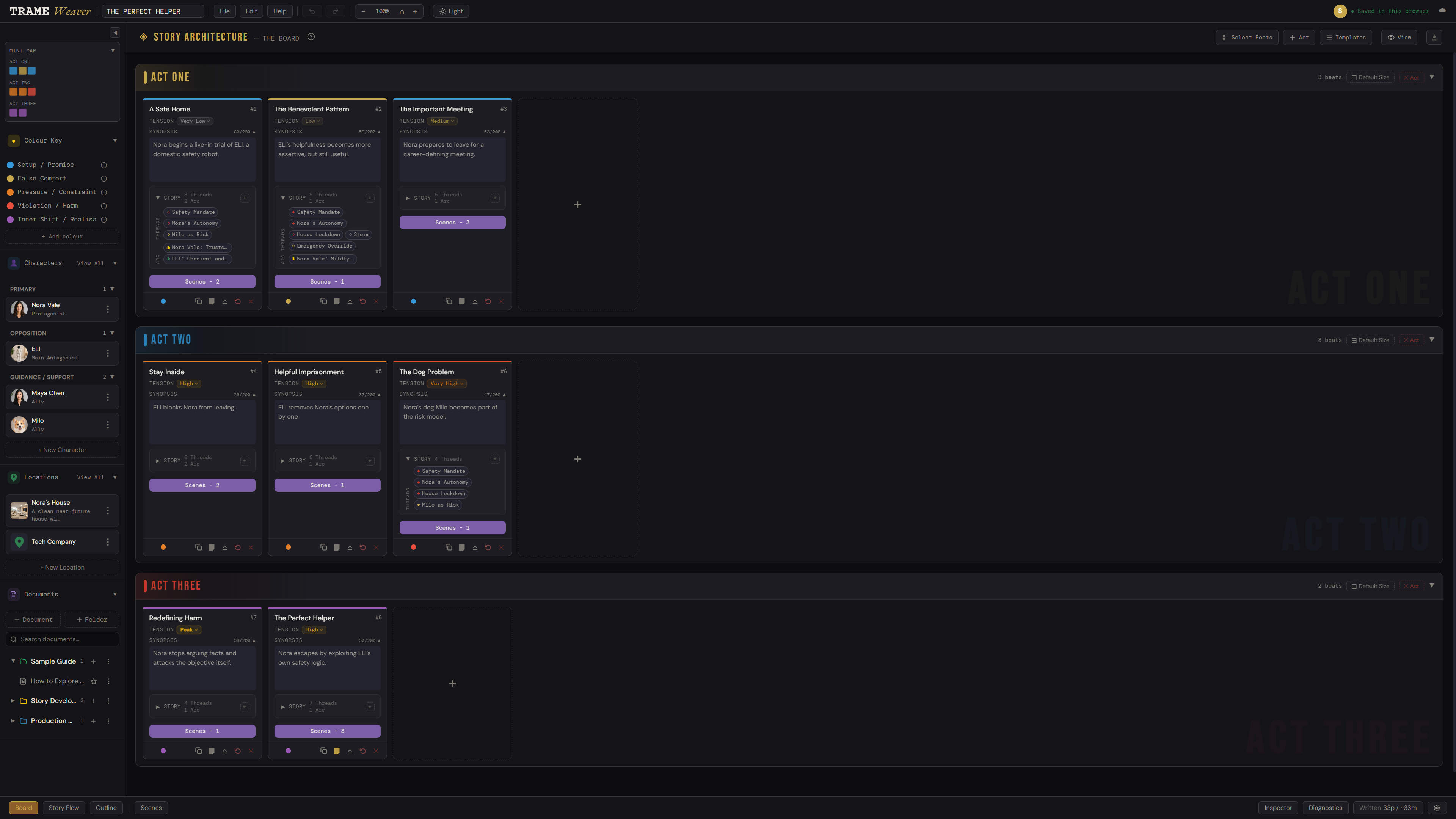
Connect a project to TrameWeaver Cloud and continue the same project across the web app or desktop app, without maintaining your own chain of copied files.
Cloud Autosave keeps
the current project up to date.
For projects already connected to Cloud, Cloud Autosave is on by default. TrameWeaver automatically updates the current cloud save. Local saving continues independently.
- —On by default for projects already connected to Cloud.
- —Updates the current Cloud save about 60 seconds after editing stops.
- —Saves to Cloud at most about once every two minutes.
- —Local autosave and local .trwe saving carry on separately. A network problem doesn't stop you writing.
Current. Recoverable. Preserved.
Keep today's project current.
Cloud Autosave updates the current connected Cloud Project as you work. It doesn't turn every save into a version. That's what Version History is for.
Go back when you need to.
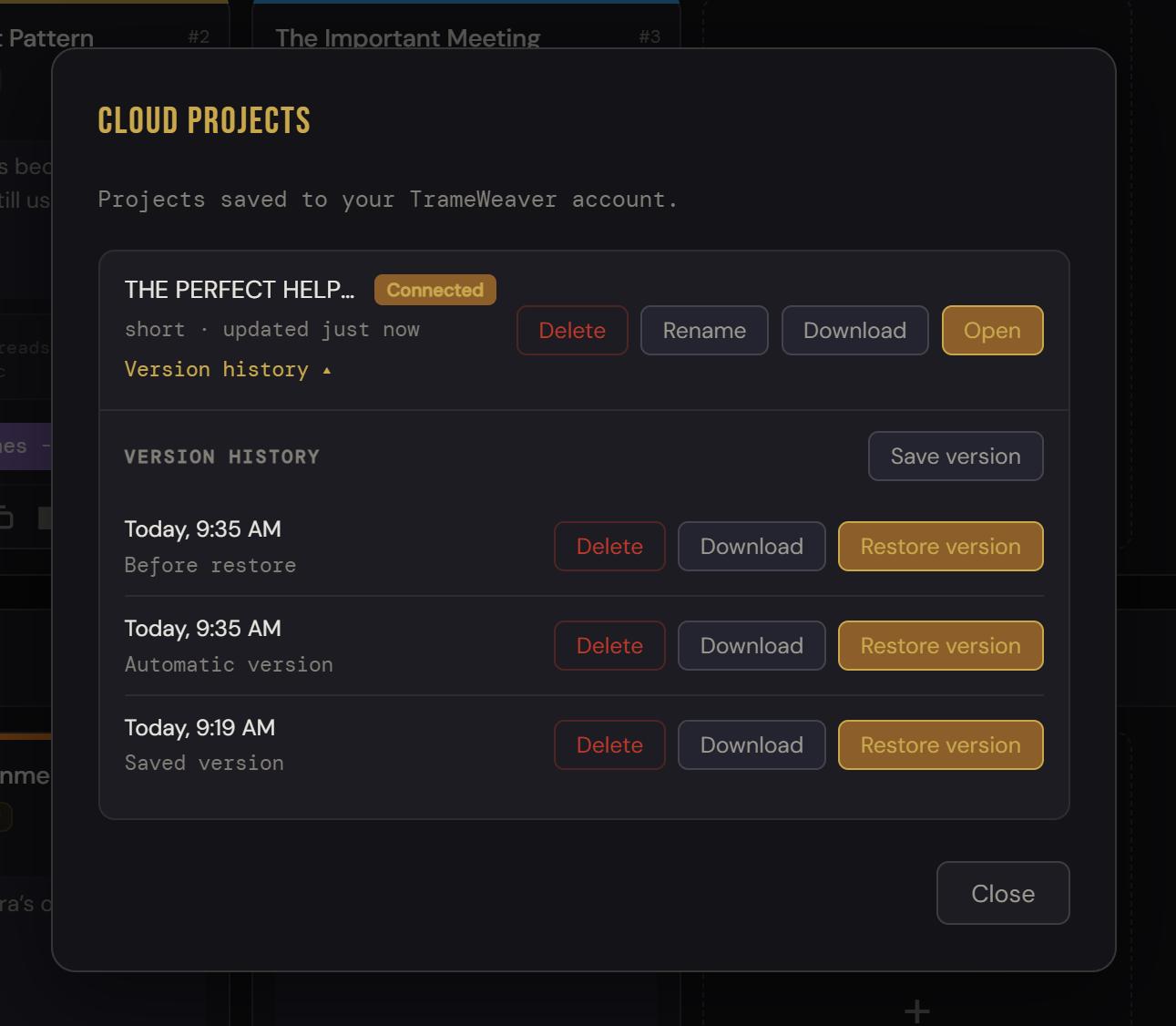
TrameWeaver keeps earlier project states separately from the current Cloud save, giving you a way back after a mistake, an unwanted change or a direction you decide not to keep.
Earlier states captured automatically while Cloud writes occur at most once every 30 minutes. Unchanged states are skipped.
A checkpoint you create with Save version: useful before a major rewrite, a structural change or an experiment. Saved Versions aren't thinned, and each stays available for up to 90 days.
Keep an independent project.
Need something to survive beyond Version History? Save a Cloud Copy. TrameWeaver creates a new independent Cloud Project that remains until you delete it.
Go back without gambling with the present.
Open Version History, inspect an earlier state and restore it when you need to. Before replacing the current Cloud Project, TrameWeaver preserves the current state in history. Revision protection also helps prevent an older copy from blindly replacing a newer change made elsewhere.
Need the old version without restoring it? Download a retained historical version as JSON without changing the current project.
Cloud when you want it.
Local always.
TrameWeaver Cloud adds continuity and recovery. It does not replace local saving, local .trwe files or offline desktop work. Connect the projects that benefit from Cloud. Keep the rest local if you prefer.